
Last updated 22 August 2026.
To download an app on an Android phone, open the Play Store, search for the app, and tap Install. That’s it – no payment details are needed for free apps, and most of the apps you’ll want (WhatsApp, weather, banking apps, games) are free.
How do I download an app on an Android phone?
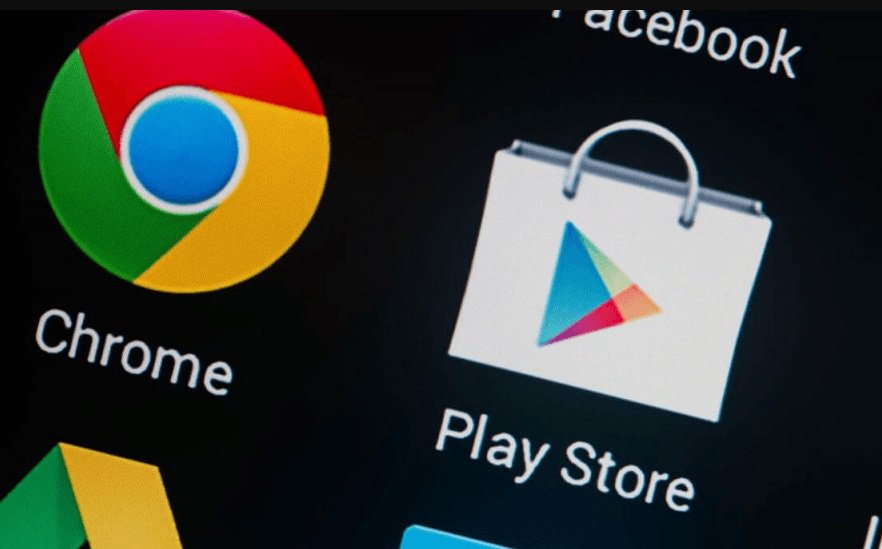
Open the Play Store app – it has a colourful triangle icon and is usually already on your home screen. Tap the search bar at the top, type the name of the app you want, then tap it in the list of results. On the app’s page, tap the green Install button. The app will download and appear on your home screen automatically, usually within a minute or two depending on your internet connection.
Do I need an account to download apps?
Yes, but you almost certainly already have one. Android phones use a free Google account, which you would have set up when you first turned on the phone. If the Play Store asks you to sign in, use that same email address and password.
Why is an app asking me to pay?
Most apps are completely free. If you see a price (like “$2.99”) next to a button instead of the word “Install,” that app costs money to download. There’s usually a free alternative – try searching for the type of app instead of a specific name, for example “free crossword” rather than one particular paid crossword app.
How do I delete an app I don’t want anymore?
Press and hold the app’s icon on your home screen until a small menu pops up, then tap Uninstall. On some phones, holding the icon instead makes a trash can appear at the top of the screen – just drag the icon up to it.
Where can I get more help?
For a full walkthrough of setting up an Android phone from scratch, see our Android accessories guide, or browse our Phones & Tablets section for more step-by-step guides.
The Tech Helper is reader-supported. When you buy through links on our site, we may earn an affiliate commission.