
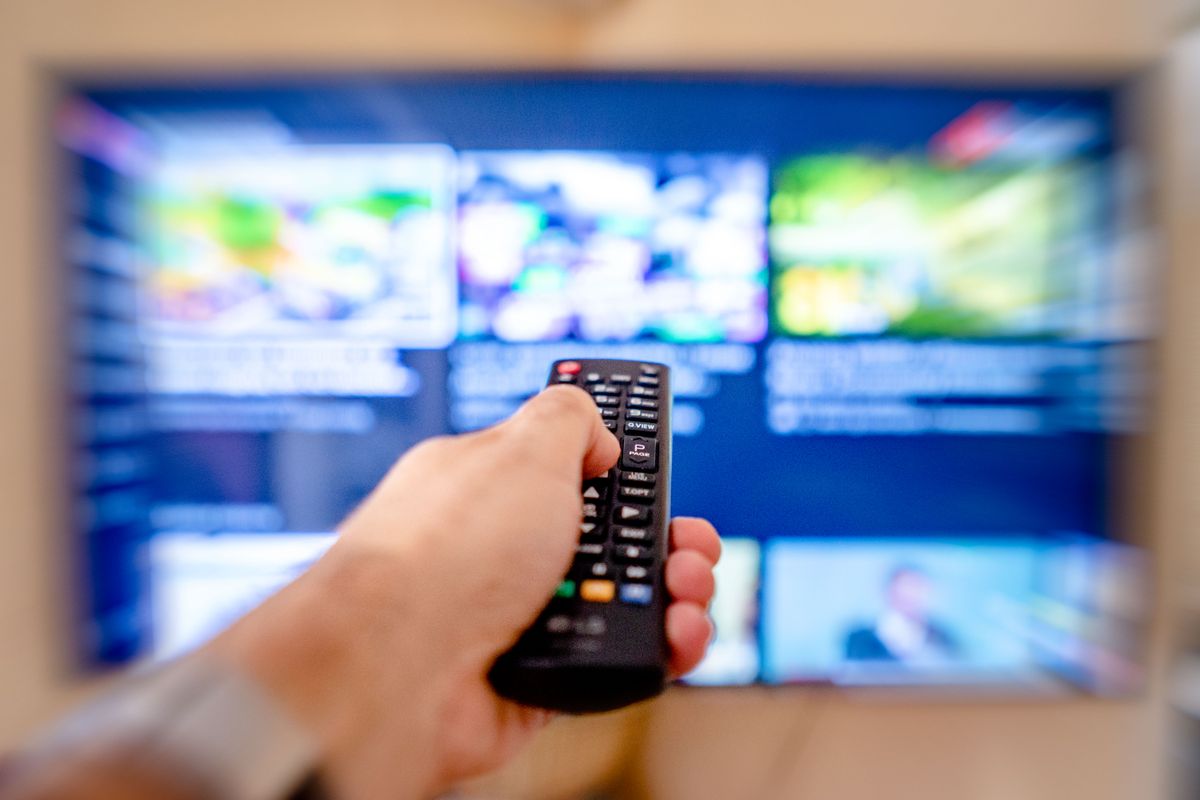
Want a simple way to watch Netflix, Prime Video or the news on any TV? The Roku Streaming Stick 4K is our top pick for older adults. Its remote has dedicated TV power and volume buttons, you can arrange the apps you use most, and you can tidy away most of the extra recommendations in a few minutes.
The Amazon US link below is an affiliate link. As an Amazon Associate, we earn from qualifying purchases. The Roku link is not an affiliate link. Models and prices differ between the US and the UK.
- Top pick: the Roku Streaming Stick 4K, for its simple remote and a home screen you can tidy up.
- Budget choice: the Roku Streaming Stick Plus, the newer, cheaper 4K stick with the same style of remote. Roku launched it at $39.99 in the US.
- Why we prefer Roku: both Roku and Fire TV now show recommendations and adverts, but Roku lets you hide the recommendation rows and put your own apps first.
- One remote: both recommended sticks come with a voice remote that controls the TV’s power and volume on most TVs, so there’s no juggling two remotes.
Why we prefer Roku to Amazon Fire TV for older adults
Most streaming sticks are powerful enough. What differs is the software. When you buy one for an older relative, or for yourself if you want less fuss, the home screen is what matters most.
Amazon Fire TV is built around Amazon’s own shows, rentals and promotions, which fill much of the home screen. That’s fine if you mostly watch Prime Video, but it can make it harder to find the app you actually want.
Roku isn’t advert-free either. Its home screen now opens with large recommendation tiles for shows and live events, with your apps further down. The difference is that Roku lets you switch those recommendation rows off in Settings, and move your favourite apps, such as Netflix, YouTube or BBC iPlayer in the UK, to the top. Once that’s done, it’s one of the simplest screens to live with.
1. Best overall: Roku Streaming Stick 4K
The Roku Streaming Stick 4K plugs straight into a spare HDMI port on the back of the TV, so it stays out of sight.
Its USB power cable includes a long-range Wi-Fi receiver, which helps if your router is in another room. The voice remote controls the TV’s power, volume and mute on most TVs, so the old TV remote can go in a drawer. It came out in 2021, but it’s still the Roku stick with the widest picture support.
Key specs: 4K with HDR10+ and Dolby Vision | Voice remote with TV controls | Long-range Wi-Fi receiver. Price: $59.99 on Amazon US on 15 November 2026 (list price $79.99); listed at £49.99 in the UK.
2. Best budget option: Roku Streaming Stick Plus
If your TV is close to the Wi-Fi router and you’d like to spend less, the Roku Streaming Stick Plus is a good choice. Roku launched it in 2025 at $39.99 in the US, replacing the older Express 4K+ box.
It runs the same Roku software and comes with a voice remote with TV power and volume buttons. It’s a slim stick that plugs into an HDMI port and can usually be powered from the TV’s USB port, so you may not need a spare wall socket. It supports 4K and HDR10+, but not Dolby Vision, and it doesn’t have the long-range Wi-Fi receiver.
How to set up a Roku for an older parent
Spend ten minutes on these steps before handing over the remote:
- Set up TV controls: during setup, follow the on-screen prompts so the Roku remote can turn the TV on and off and change the volume.
- Hide the extra rows: go to Settings > Home Screen and switch off the recommendation rows and any shortcuts they won’t use. The options vary a little between Roku models.
- Put their favourite apps first: highlight an app, press the * (Options) button on the remote and choose Move app. Move their three or four most-watched apps to the top.
- Show them voice search: hold down the microphone button and say “Open Netflix” or “Find Midsomer Murders”, rather than typing on an on-screen keyboard.
- Add a PIN for purchases: sign in to the Roku account online and set a PIN for purchases, so rentals and new subscriptions can’t be bought by accident.
Choosing between services? See our guide to the best streaming service for seniors. If you’d rather replace the TV altogether, a TV with Roku built in avoids the separate stick: see our pick for the best TV for seniors.
Checked against Roku’s product and help pages on 15 November 2026. This is a buying-and-setup guide, not a hands-on test. Menus, prices and availability can change, so check the listing before you buy.