
- Two-factor authentication adds a second check when you log in, on top of your password.
- It stops most account break-ins, even if a scammer steals your password.
- Most banks, email providers, and social media sites offer it for free.
A password alone isn’t enough anymore. Scammers steal millions of passwords every year through data breaches and phishing emails. Two-factor authentication, often shortened to “2FA,” adds a second lock on top of your password. Even if someone steals your password, they still can’t get into your account without that second step. It takes a few extra seconds each time you log in. For the protection it gives you, that’s a small price to pay.
What does two-factor authentication actually mean?
Think of it like a house with two locks instead of one. Your password is the first lock. The second lock is something only you can provide in the moment, like a code sent to your phone. A thief might pick one lock. Picking both at once is far harder. That’s the whole idea behind 2FA. It combines something you know, your password, with something you’ve, usually your phone.
What are the different types of 2FA?
There are a few common types, and some are stronger than others.
A text message code is the most common. The website sends a six-digit code to your phone by text, and you type it in after your password. It’s easy to use, but scammers have found ways to intercept text messages in rare cases.
An authenticator app is stronger. Apps like Google Authenticator or Microsoft Authenticator generate a new code every 30 seconds, right on your phone. No text message means less to intercept.
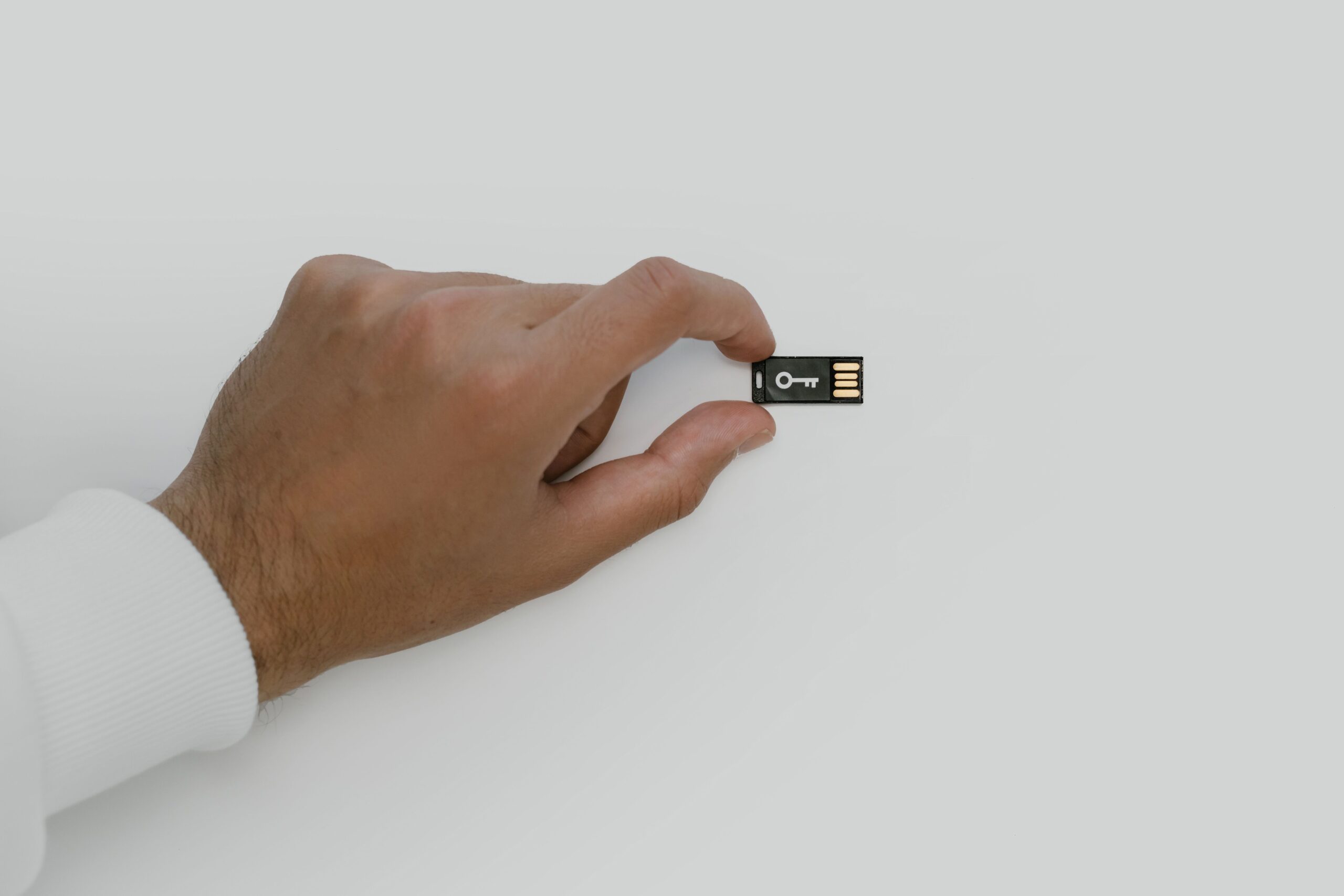
A physical security key is the strongest option. It’s a small device you plug into your computer or tap against your phone. We cover this in our guide to the best security key for protecting your accounts.
A prompt on your phone is also common. Instead of typing a code, you just tap “Yes, it’s me” on a notification.
Which accounts should have 2FA turned on first?
Start with the accounts that matter most.
Your email account comes first. It’s often used to reset passwords for everything else, so it’s the most valuable target for scammers.
Your bank and financial accounts come next. Most banks already offer 2FA, and some require it.
Social media accounts are also worth protecting, since a hijacked account can be used to scam your friends and family.
How do I turn on two-factor authentication?
The exact steps vary by website, but the pattern’s usually the same. Log into your account and look for “Security” or “Login settings.” Find an option called “Two-factor authentication” or “Two-step verification.” You’ll then be asked to pick a method. Here’s what each one means. Text message sends a short code to your phone by SMS each time you log in. An app means using a free authenticator app, already installed on your phone, that shows you a fresh code every 30 seconds. A security key is a small physical device you plug into your computer or tap against your phone instead of typing a code. If you’re not sure which to pick, text message is the easiest to start with, and you can always switch to an app later. Choose whichever option suits you, and follow the prompts on screen. Most sites also give you backup codes at this point. Write these down and keep them somewhere safe, in case you ever lose your phone.
What if I lose my phone?
This is the most common worry, and it has a simple answer: backup codes. When you turn on 2FA, most sites let you print or save a set of one-time backup codes. Keep them in a drawer or a safe place at home, separate from your phone. If your phone is ever lost, you can use a backup code to get back into your account and set up 2FA again on a new device.
Setting up two-factor authentication takes about five minutes per account. It’s one of the single best things you can do to keep scammers out of your accounts. Start with your email today, then work through your bank and social media accounts when you’ve a spare few minutes.
Two-factor authentication protects you at the point of login, but it can’t tell you if your details have already leaked somewhere else. If you want that extra layer of visibility, Aura monitors for your information appearing in breaches and on the dark web, alongside broader identity theft protection. It’s a paid service, so think of it as a further step once you’ve already got 2FA switched on everywhere it counts.
Related reading: another simple way to add protection while browsing, and our guide to avoiding online shopping scams.
The Tech Helper is reader-supported. When you buy through links on our site, we may earn an affiliate commission.